
Private AI — Ollama
The engine under your private AI.
Ollama is the open-source runtime that serves open-weight models — Llama, Mistral, Qwen, Hermes, and peers — behind one simple local API. It's the foundation every private deployment we build runs on. We size the hardware, install and harden it, curate the models, and keep it monitored.
What Ollama gives you
One local API. Any open model. Zero data egress.
With Ollama, inference happens on a machine you own: a prompt goes in, a response comes out, and nothing crosses your network boundary. It speaks a clean local API, which means your tools, scripts, and agents all point at one private endpoint instead of five SaaS subscriptions.
Hardware sizing, done honestly
VRAM is the whole ballgame. We match model size and quantization to real GPU memory — and we'll tell you when the workstation in the closet is enough, not just sell you a bigger box.
Install and hardening
Ollama installed, pinned, and updated on a schedule; the API bound to your AI VLAN only; host patched and EDR-covered like every other server we manage.
Curated model library
The right models pulled and versioned for your tasks — general assistant, code, summarization — with quantized variants where the hardware demands it. No 40 GB surprises on the server.
Integration with your tools
The local API wired into your apps, scripts, and OpenClaw agents. Your team uses the assistant where they already work.
Monitoring and alerting
GPU health, memory, latency, and queue depth feed our NOC. If inference slows or a node dies, we're on it before your users file a ticket.
Updates without drama
New model releases are evaluated against benchmarks from your pilot, staged, and rolled out with a rollback path — improvements, not roulette.
Rough guide
What fits in how much VRAM.
Quantization trades a little quality for a lot of memory. These are the starting points we use when sizing a node — your workload audit puts real numbers on them.
| Model class | Typical VRAM (quantized) | Good for |
|---|---|---|
| 7–8B (Llama, Qwen, Mistral class) | ~8 GB | Summaries, drafting, classification — runs on a good workstation |
| 13–14B | ~16 GB | Stronger reasoning and instruction following on a single pro GPU |
| 32B | ~24 GB | Serious analysis and code work on a data-center GPU |
| 70B+ | 48 GB+ (multi-GPU) | Frontier-adjacent quality — a full rack-class node |
Concurrency multiplies these numbers. We load-test your actual task mix before we call a node sized.
How we set it up
Six steps to a private model node.
Audit the workload
What runs on the node — assistant, code, document Q&A — and how many people at once. Concurrency, not model size, is what usually surprises people.
Typical: 1 week
Size and provision
A server in your office or a GPU node in our data center — specified with headroom, or validated if you already own the hardware.
Typical: 1–2 weeks
Install and harden
Ollama deployed and pinned, models pulled and quantized, API restricted to the AI VLAN, host patched and monitored.
Typical: 3–5 days
Integrate
Tools and agents pointed at the local API — OpenClaw, your scripts, your apps — with every request logged.
Typical: 1 week
Load-test
Real concurrency against your real prompts. If it's slow, we tune quantization or add memory before go-live — not after.
Typical: 2–3 days
Operate
NOC monitoring, staged model updates, monthly reporting — and a usage log that doubles as SOC 2 evidence.
Ongoing
Hosting
Or we run the node for you.
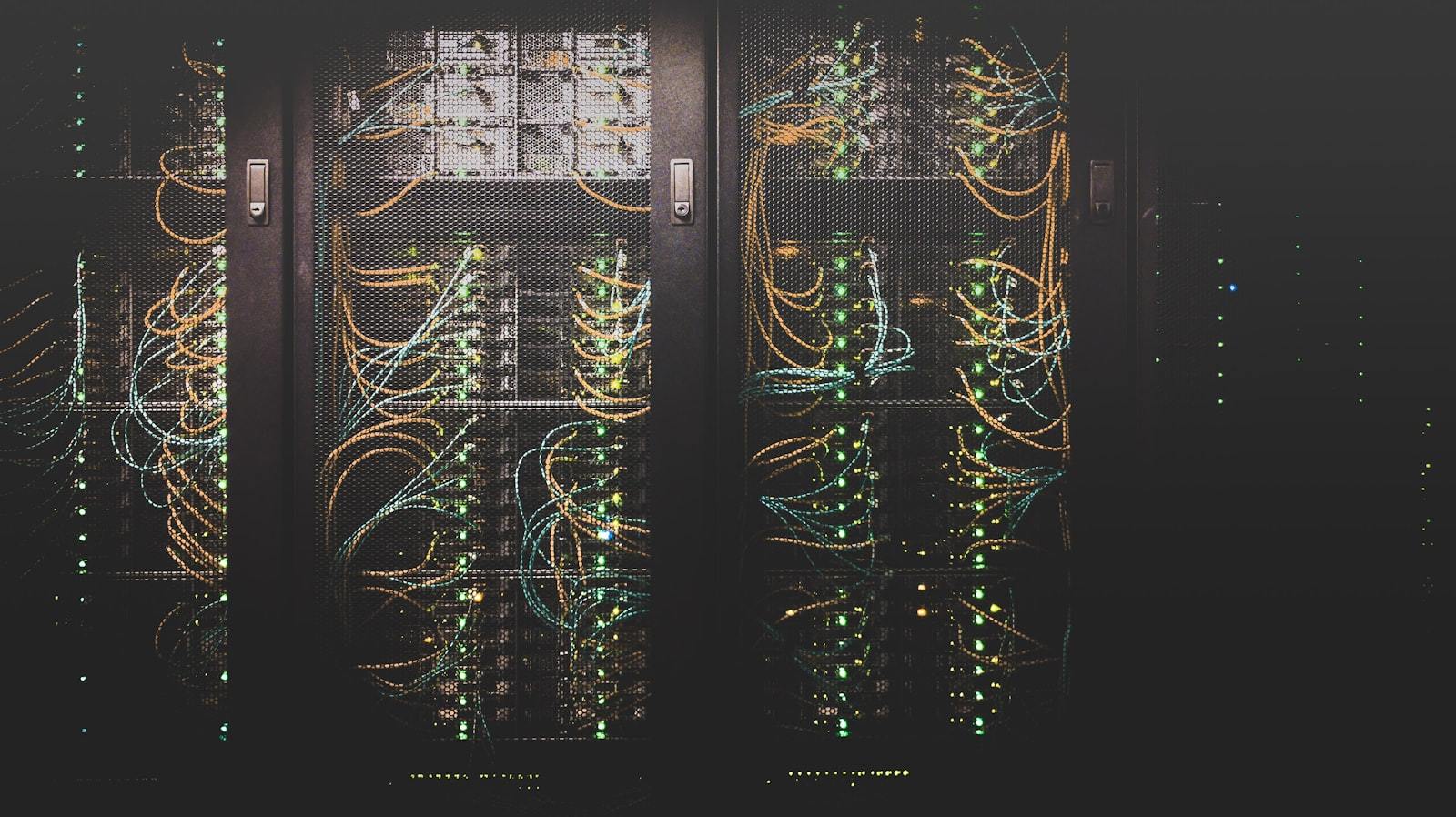
An Ollama node in our data center skips the office server entirely: A+B power, N+1 cooling, and a NOC that watches GPU health 24/7. Your team connects over an encrypted tunnel; prompts and responses never leave the rack. A single-GPU node typically fits a quarter or half rack — see colocation pricing or build a hosting quote, and we'll show the math for your workload.
Tell us the workload. We'll tell you the hardware.
Three tasks and a headcount is enough for a first sizing — and we'll say so if a modest GPU does the job.